
Download Rivolt
Get Rivolt on the App Store, install it on a compatible device, and enter the arena.
Download on the App StoreLocal play
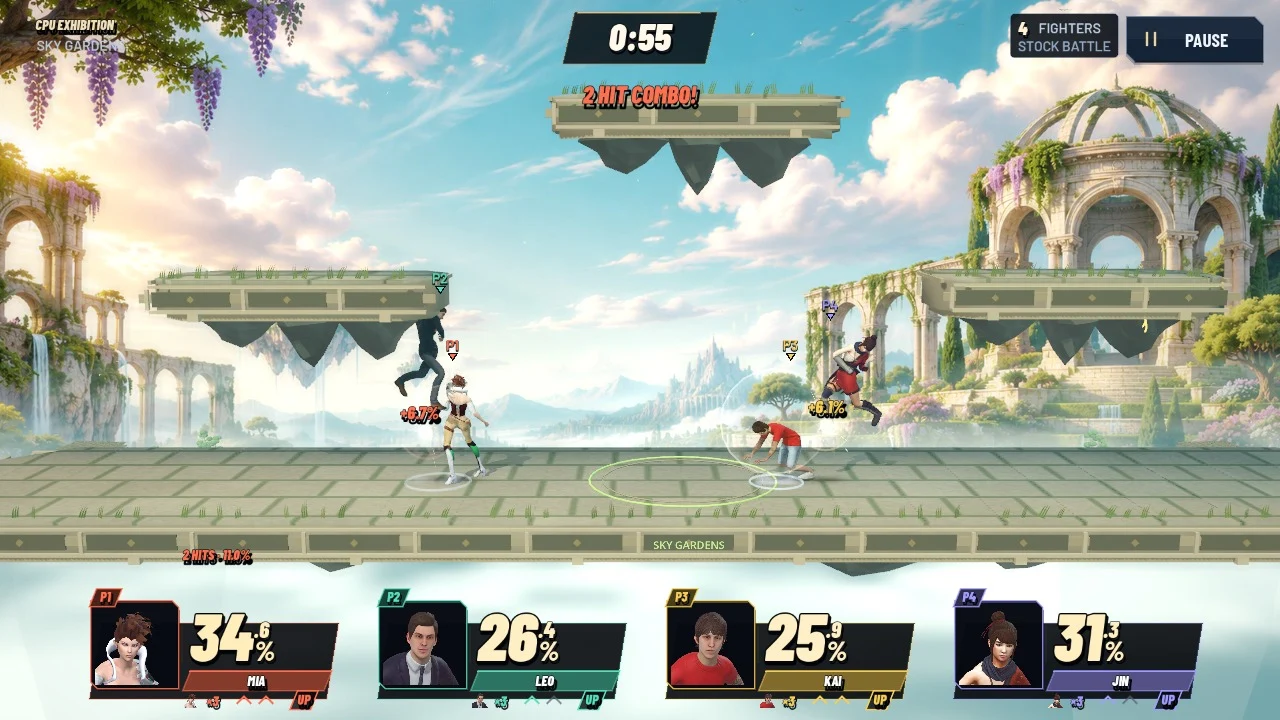
Start a solo Arcade journey, practice in Training or set up a local match with up to four players.
Get Rivolt on the App Store, install it on a compatible device, and enter the arena.
Download on the App StoreChoose Local Versus for a shared match, Arcade for a solo journey, CPU Exhibition to watch a fight, or Training to practice.
Assign inputs during fighter selection. Open Edit Rules → Combat → Signature to use the roster’s signature moves.
Default controls
Two players can share a keyboard using separate layouts. Use the in-game Controls screen to check or change bindings.
| Action | Keyboard 1 | Keyboard 2 |
|---|---|---|
| Move / aim | WASD | Arrow keys |
| Attack | J | CommaNum 1 |
| Special | K | PeriodNum 2 |
| Jump | Space | EnterNum 0 |
| Shield / dodge | L | ShiftNum 3 |
| Grab / throw | U | SemicolonNum 4 |
| Charged smash | I | SlashNum 5 |
| Pause / resume | Esc | Esc |
After a grab, choose a direction to throw. For a charged smash, hold the smash key with a direction, then release it.
Local Versus
Open Edit Rules during fighter selection to set the pace of your match.
Choose a fighting style independently of your fighter’s appearance.
Each named fighter has a fixed style and one signature move. Their profile shows the input, when to use it, and how to counter it.